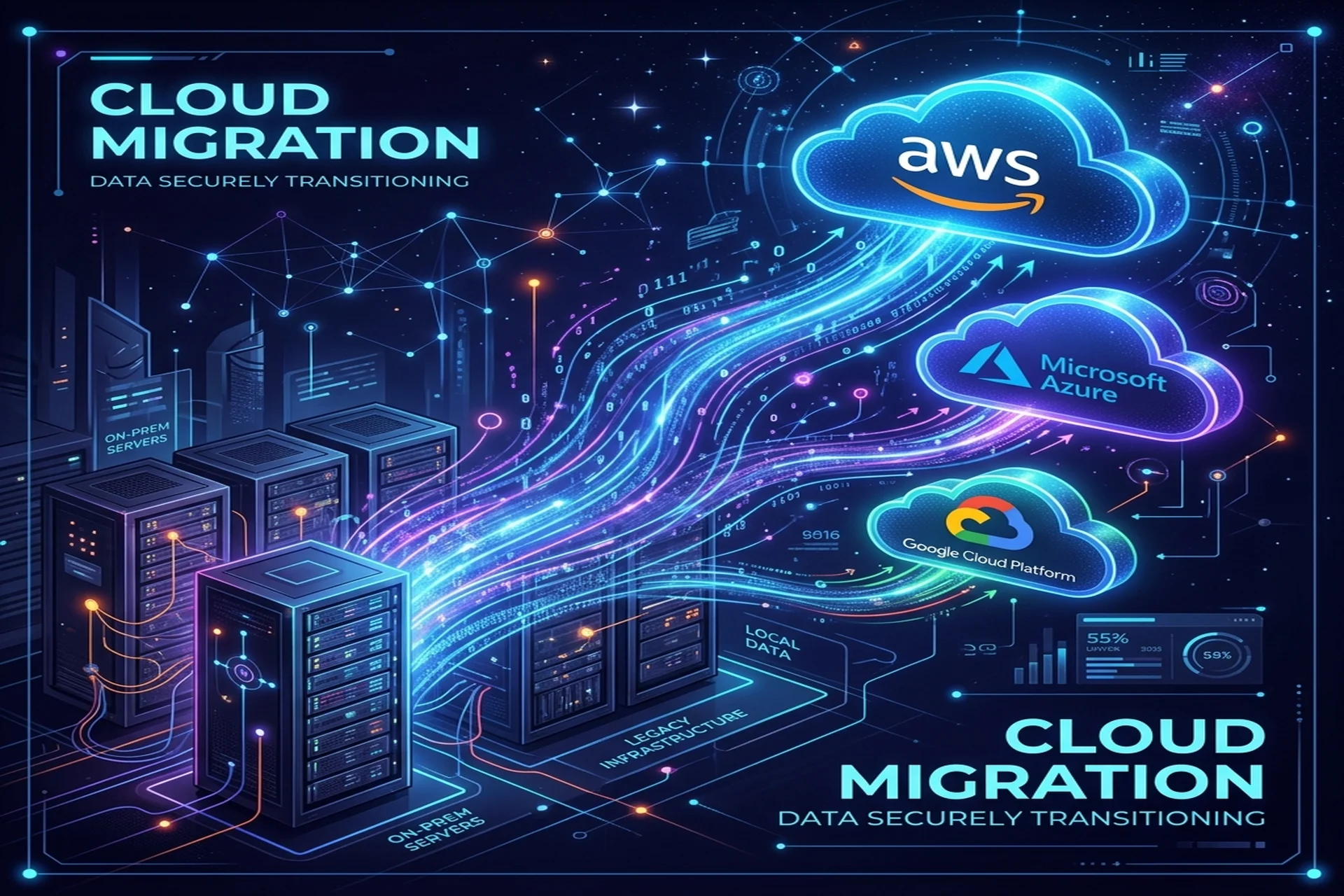
Cloud migration is the process of moving your applications, data, and infrastructure from on-premises servers (or another cloud) onto a public cloud platform such as AWS, Azure, or Google Cloud. Done well, it is not a single overnight cutover but a planned sequence of waves, each grounded in a deliberate strategy for every workload — sometimes a simple lift-and-shift, sometimes a deeper re-architecture. This guide walks through why and when to migrate, the 6 Rs framework for choosing a strategy, how to plan, how to handle security and data residency, how to avoid downtime, and how to keep cloud spend under control.
Why and when to migrate to the cloud
The strongest reasons to migrate are elasticity (you pay for capacity you actually use and scale up or down on demand), faster delivery (managed services and infrastructure as code remove undifferentiated heavy lifting), resilience (multi-zone and multi-region architectures survive failures that would sink a single server room), and access to a deep catalog of managed databases, analytics, and AI services you would never run yourself.
The clearest triggers to start are concrete: aging hardware approaching a refresh you do not want to buy; a data center lease or colocation contract coming up for renewal; capacity ceilings during peak load that you cannot quickly expand; a compliance or data-residency requirement your current setup cannot meet; or a new product that needs to scale globally from day one. If none of these apply and your on-prem stack is stable, predictable, and cheap, migrating purely for fashion is rarely worth the disruption. Migrate when the cloud solves a real problem you have today.
The 6 Rs of cloud migration
The 6 Rs are the standard framework for deciding what to do with each individual workload. You do not pick one for the whole portfolio — you assign one per application:
- Rehost (lift-and-shift) — Move the application as-is to cloud virtual machines. Fastest and lowest-risk; gets you off owned hardware quickly but captures few cloud-native benefits.
- Replatform (lift-tinker-and-shift) — Make a few optimizations without rewriting, such as swapping a self-managed database for a managed one (RDS, Azure SQL, Cloud SQL). Modest effort, meaningful operational savings.
- Refactor / re-architect — Redesign the application to be cloud-native, often using containerization, serverless, and managed event services. Highest effort and cost, but unlocks the most scalability and the lowest long-run operational burden.
- Repurchase — Replace a workload with a SaaS product (for example, moving off a self-hosted CRM). You stop maintaining it entirely.
- Retire — Decommission applications nobody uses. A migration audit almost always surfaces dead workloads worth switching off.
- Retain — Leave a workload where it is for now, because of latency, licensing, regulatory, or sequencing reasons. Revisit it in a later wave.
A pragmatic pattern: rehost or replatform first to exit your data center quickly, then refactor the workloads that most need elasticity once they are already in the cloud.
Planning the migration
Good migrations are won in the planning phase. Before moving anything, work through a discovery and design sequence:
- Inventory everything. List applications, servers, databases, data volumes, integrations, and dependencies. You cannot migrate what you have not mapped.
- Map dependencies. Identify which systems call which, so you migrate tightly coupled components in the same wave and avoid breaking links across the data center boundary.
- Assign a strategy per workload. Apply the 6 Rs to each item in the inventory.
- Define landing-zone and networking. Set up accounts, identity, VPC/VNet design, and security baselines before workloads arrive.
- Pick migration waves. Start with low-risk, low-dependency workloads to build confidence and refine your runbooks.
- Set success criteria. Define performance, cost, and rollback thresholds for each wave so you know objectively whether it worked.
This is also where the choice of platform gets settled. There is no universal winner among AWS, Azure, and GCP: AWS offers the broadest catalog and the most regions; Azure fits teams already standardized on Microsoft and Active Directory; GCP is strong on data, analytics, and Kubernetes. Choose based on your existing stack, your team's skills, the regions you need, and the managed services your workloads actually depend on. A structured DevOps and cloud engagement typically codifies all of this as infrastructure as code so the landing zone is reproducible.
Security and data residency
Security in the cloud follows a shared-responsibility model: the provider secures the underlying infrastructure, and you secure your configuration, identities, and data. From day one, enforce least-privilege IAM, encrypt data at rest and in transit, isolate networks with private subnets and security groups, centralize logging and audit trails, and store secrets in a managed vault rather than in code.
Data residency is often the deciding constraint, especially for clients in the Gulf and across regulated industries. The rule is simple: pin every workload — including backups, logs, and replicas — to an in-region cloud zone. For Gulf clients this is well covered. AWS operates the Middle East (Bahrain) and Middle East (UAE) Regions, Azure has UAE North, and Google Cloud has a Doha region, so data can remain inside the Gulf to satisfy local requirements. Before committing, confirm that every service you plan to use is actually available in your chosen region, since service availability varies by location. Teams serving the region — including our own UAE clients — typically make in-region data residency a hard requirement in the design phase rather than an afterthought.
Avoiding downtime during cutover
The fastest way to lose stakeholder trust is an outage during the move. Avoid a big-bang cutover. Instead:
- Migrate in waves rather than all at once, learning from each.
- Replicate data continuously so the new environment stays in sync with the old one right up to the moment of cutover.
- Run old and new in parallel and validate the new environment under real traffic before depending on it.
- Shift traffic gradually using DNS weighting or a load balancer, sending a small slice to the new environment first.
- Keep a tested rollback path for every wave, so a failed cutover is reversible, not catastrophic.
- Rehearse the database cutover in staging — data is the riskiest part of any migration, so practice it before touching production.
Keeping cloud costs under control
Cloud bills surprise teams that treat migration as the finish line. The cloud charges for what you provision, so cost discipline is an ongoing operating practice, not a one-time setup. Right-size instances instead of copying oversized on-prem hardware specs. Switch off non-production environments outside business hours. Use commitment-based discounts for steady baseline workloads and autoscaling for variable load. Set budgets and alerts so spend never drifts silently. Tag every resource by team and product so cost is always attributable. Refactoring the heaviest workloads to managed and serverless services often pays for itself over time by removing idle capacity you would otherwise keep running around the clock.
Frequently Asked Questions
What is cloud migration?
Cloud migration is the process of moving applications, data, and supporting infrastructure from on-premises servers (or another cloud) onto a public cloud platform such as AWS, Azure, or Google Cloud. It ranges from a simple lift-and-shift of existing servers to a full re-architecture into managed and serverless services.
What are the 6 Rs of cloud migration?
The 6 Rs are six migration strategies for each workload: Rehost (lift-and-shift), Replatform (lift-tinker-and-shift), Refactor (re-architect), Repurchase (move to SaaS), Retire (decommission what is unused), and Retain (keep it where it is for now). Most real migrations use a mix across the portfolio rather than a single strategy.
How do I migrate without downtime?
Avoid a big-bang cutover. Migrate in waves, replicate data continuously so the new environment stays in sync, run old and new in parallel, shift a slice of traffic first, and keep a tested rollback path. Database changes are the riskiest part, so rehearse the cutover in a staging environment before touching production.
Which cloud should I choose: AWS, Azure, or GCP?
There is no universal winner. AWS has the broadest service catalog and the most regions; Azure fits organizations already invested in Microsoft and Active Directory; GCP is strong on data, analytics, and Kubernetes. Choose based on your existing stack, your team's skills, the regions you need for data residency, and the managed services your workloads depend on.
How do I keep my data in the Gulf region after migrating?
Pin your workloads to an in-region cloud zone. AWS operates the Middle East (Bahrain) and Middle East (UAE) Regions, Azure has UAE North, and Google Cloud has a Doha region, so data can stay inside the Gulf to meet local data-residency requirements. Confirm that every service you use, including backups and logs, is available and configured in that region.
How do I control cloud costs after migrating?
Right-size instances instead of copying oversized on-prem hardware, turn off non-production environments outside business hours, use commitment discounts for steady baseline workloads and autoscaling for variable load, set budgets and alerts, and tag every resource so spend is attributable to a team or product. Cost control is an ongoing operating discipline, not a one-time setup.
Planning a migration? Apex IT Solutions provides DevOps and cloud engineering across AWS, Azure, GCP, Kubernetes, Docker, and Terraform for B2B clients in the US, UK, UAE, KSA, Canada, and Pakistan. Explore our DevOps & cloud services or talk to an engineer for a free consultation.