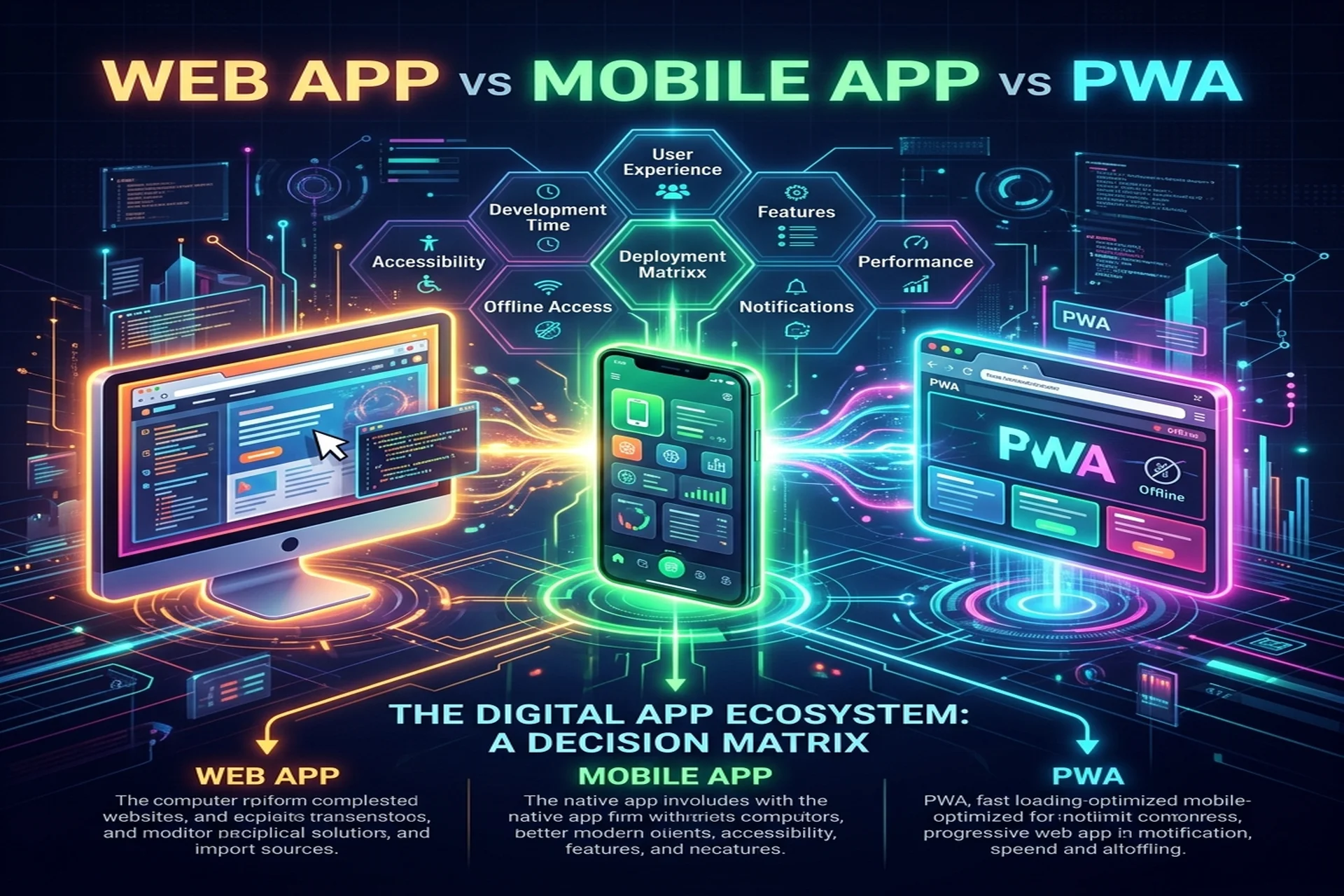
A web app runs in a browser and reaches anyone with a URL. A native mobile app is installed from the App Store or Google Play and runs directly on the device's operating system. A PWA (Progressive Web App) is a web app upgraded with installability, offline support, and push notifications, so it feels like an installed app while still being delivered over the web. For most products in 2026 the right answer is "start on the web, go native when the data demands it" — but the correct choice depends on reach, performance, offline needs, app-store strategy, and cost. This guide defines each, compares them head to head, and gives you a decision framework you can apply today.
Definitions: what each one actually is
Web app. A responsive application that lives at a URL and runs inside any modern browser on desktop, tablet, or phone. There is nothing to install and nothing to approve — you ship by deploying. Think dashboards, admin panels, marketplaces, and B2B SaaS portals. This is the territory of website and web application development.
Native mobile app. A program built for iOS and/or Android — using Swift, Kotlin, or a cross-platform toolkit like Flutter or React Native — that the user installs from an app store. It runs on the device and can reach into the camera, GPS, sensors, secure storage, and background services. This is what most people picture when they say "an app," and it is the core of custom application development.
PWA. A Progressive Web App is a web app enhanced with three things: a web app manifest (so it can be installed to the home screen), a service worker (so it can cache assets and work offline), and modern web APIs (so it can send push notifications and access some hardware). A PWA is one codebase that behaves like an installed app without going through a store.
Reach and distribution
Reach is where the web wins decisively. A web app or PWA is a link — you can share it in an email, a QR code, an ad, or a search result, and it opens instantly on any device. There is no install friction and no platform exclusion. A native app, by contrast, requires the user to find your listing, download a package, and grant permissions before they ever see your product — and you must build and maintain a separate binary for each platform you support.
The trade-off is discoverability inside the stores themselves. Some buyers actively search the App Store or Google Play and trust an app store badge as a signal of legitimacy. If your audience expects to find you there, native (or a store-packaged PWA) earns its place.
Performance and device access
Native apps have the performance ceiling. Because they compile to the platform and talk directly to the OS, they deliver the smoothest animations, the lowest input latency, and full access to hardware — camera, Bluetooth, NFC, biometrics, background location, and offline-first databases. Graphics-heavy, sensor-heavy, or latency-sensitive products (games, AR, fitness trackers, field tools) belong here.
Web apps and PWAs run inside the browser's sandbox, which keeps them safe and portable but caps how deeply they reach into the device. Modern browser APIs have closed much of the gap — geolocation, camera, push, payments, and file access all work in many contexts — but some capabilities remain partial or unavailable, especially on iOS. For information-, transaction-, and form-driven products, that ceiling rarely matters.
Offline behaviour
A plain web app needs a connection: lose the network and it stops. A native app can be fully offline-capable, storing data locally and syncing when the connection returns. A PWA sits in between — its service worker caches the app shell and key data, so it loads and works offline or on flaky connections, queuing actions to sync later. A well-built PWA feels offline-capable for reading, browsing, and queued writes, though it will not match every native capability such as continuous background processing.
App stores and updates
This is often the deciding factor. Native apps must pass store review for every release, follow platform rules, and — for some business models — share revenue with the store. Updates ship on the store's timeline, and users have to download them. PWAs and web apps bypass all of that: you deploy, and every user is on the latest version on their next load. No review queue, no rejection risk, no forced-update prompts. If you ship frequently or want zero gatekeeping, the web has a structural advantage.
Cost and maintenance (qualitatively)
A web app or PWA is a single codebase that serves every device, which keeps build and maintenance effort lowest and time-to-first-launch shortest. Native typically costs the most to build and maintain, because you are supporting two platforms, two release pipelines, and two sets of OS upgrades. Cross-platform frameworks like Flutter and React Native narrow that gap by sharing most code across iOS and Android — a popular middle path when you need native capability without doubling the team. We are speaking qualitatively here; the actual figure depends entirely on scope, integrations, and team model.
Side-by-side comparison
- Reach: Web app and PWA reach anyone with a link; native requires a per-platform install.
- Performance & hardware: Native is highest; PWA is good and improving; plain web is capped by the browser.
- Offline: Native is fully offline-capable; PWA is partially offline via a service worker; plain web needs a connection.
- App-store presence: Native lives in the stores by default; a PWA can optionally be packaged; a web app stays outside.
- Updates: Web and PWA update instantly on deploy; native ships through store review.
- Cost & maintenance: Web/PWA is one codebase (lowest effort); native is typically highest; cross-platform sits in between.
- Best for: Web/PWA suits content, commerce, and SaaS; native suits sensor-, performance-, or store-driven products.
A decision framework
Work down this checklist and the answer usually becomes obvious:
- Do you need deep hardware or OS access (camera-as-core, Bluetooth, background location, biometrics, heavy 3D/AR)? If yes, lean native.
- Is app-store presence a buying signal for your audience, or central to your monetisation? If yes, lean native or a store-packaged PWA.
- Is broad, frictionless reach from a single link your priority, with frequent updates and no store gatekeeping? If yes, lean web app or PWA.
- Do users need it to work on poor or no connectivity, but not with full native depth? A PWA is the sweet spot.
- Are you validating an idea on a tight timeline and budget? Start with a web app or PWA, then add native once retention is proven.
- Do you need both reach and native capability? Consider a PWA plus a cross-platform (Flutter / React Native) app sharing logic.
For a SaaS product, the common pattern is a web app or PWA for the core experience and a native companion only where mobile-specific value justifies it. Whichever path you take, robust deployment and scaling matter — that is where DevOps and cloud support keeps releases fast and reliable. If you need senior engineers embedded in your roadmap, a dedicated development team can carry web, PWA, and native in parallel.
Frequently Asked Questions
What is the difference between a web app, a mobile app, and a PWA?
A web app runs in a browser and works on any device with a URL. A native mobile app is installed from the App Store or Google Play and runs directly on the operating system. A PWA (Progressive Web App) is a web app enhanced with installability, offline support, and push notifications, so it behaves like an installed app while still being delivered over the web.
Is a PWA better than a native mobile app?
Neither is universally better; it depends on your goals. A PWA wins on reach, single-codebase cost, and instant updates with no app-store review. A native app wins on raw performance, deep hardware and OS integration, and discoverability inside the app stores. Choose a PWA for broad, content-and-transaction products and native when you need camera, sensors, background tasks, or premium UX.
Can a PWA work offline like a native app?
Yes, within limits. A PWA uses a service worker to cache the app shell and data, so it can load and function offline or on poor connections. It cannot match every native capability, such as continuous background processing or full file-system access, but for reading, browsing, and queued actions a well-built PWA feels offline-capable.
Do I need to put a PWA in the app stores?
No. A PWA installs straight from the browser with an 'Add to Home Screen' prompt and needs no store listing or review. You can optionally package it for the Google Play Store and, in a more limited way, for iOS, but the core value of a PWA is bypassing store gatekeeping and shipping updates instantly.
Should a startup build a web app, mobile app, or PWA first?
Most startups should start with a responsive web app or PWA to reach the widest audience from a single codebase, validate demand, and update without store delays. Add a native app once you have proof of retention and a clear need for native-only capabilities or app-store presence. This staged path keeps early cost and complexity low.
Not sure which to build? Apex IT Solutions builds web apps, PWAs, and native iOS/Android apps (Flutter, React Native) for B2B clients in the US, UK, UAE, KSA, Canada, and Pakistan. Talk to an engineer for a free consultation.